Testing & QA. Visual Regression
Catch Every Unintended Visual Change Before Users Do
Pixel-perfect visual comparison across all browsers and viewports, with AI that distinguishes real regressions from expected style updates.
Overview
What is visual regression testing?
Every CSS change, dependency update, or browser version bump is a potential visual regression. Visual regression testing captures screenshots of every page and component state, compares them against approved baselines, and flags pixel-level differences before they reach users. AI analysis distinguishes meaningful regressions, a button that moved, a colour that changed, from expected updates like new feature sections.
What's included
Full-page screenshots
Capture complete page screenshots at every breakpoint, including scroll-triggered content and dynamic states.
Component-level comparison
Test individual components in isolation as well as full pages, making it easy to pinpoint which component caused a regression.
Cross-browser coverage
Run comparisons simultaneously in Chrome, Firefox, Safari, and Edge, including mobile viewports, on every CI run.
AI diff analysis
AI classifies each diff as a layout shift, colour change, content addition, or rendering artefact, cutting false positive review time by 80%.
Baseline management
Approve new baselines directly from the review UI. Approvals are tracked by user and timestamp for audit purposes.
PR integration
Regression reports appear as PR comments with before/after image pairs and AI severity assessments, keeping context where engineers work.
How it works
From setup to production
Baseline
Run the initial capture to establish approved baselines for every page, component, and viewport combination.
Capture
On every PR, the runner captures fresh screenshots across all configured browsers and viewports automatically.
Compare
Pixel-level diffing runs in under 60 seconds. AI categorises each difference by type and estimated severity.
Review
Engineers review flagged diffs in the PR comment or the diff UI, approving intentional changes and blocking regressions.
FAQ
Common questions
Built by Solnix
See the products this work runs on
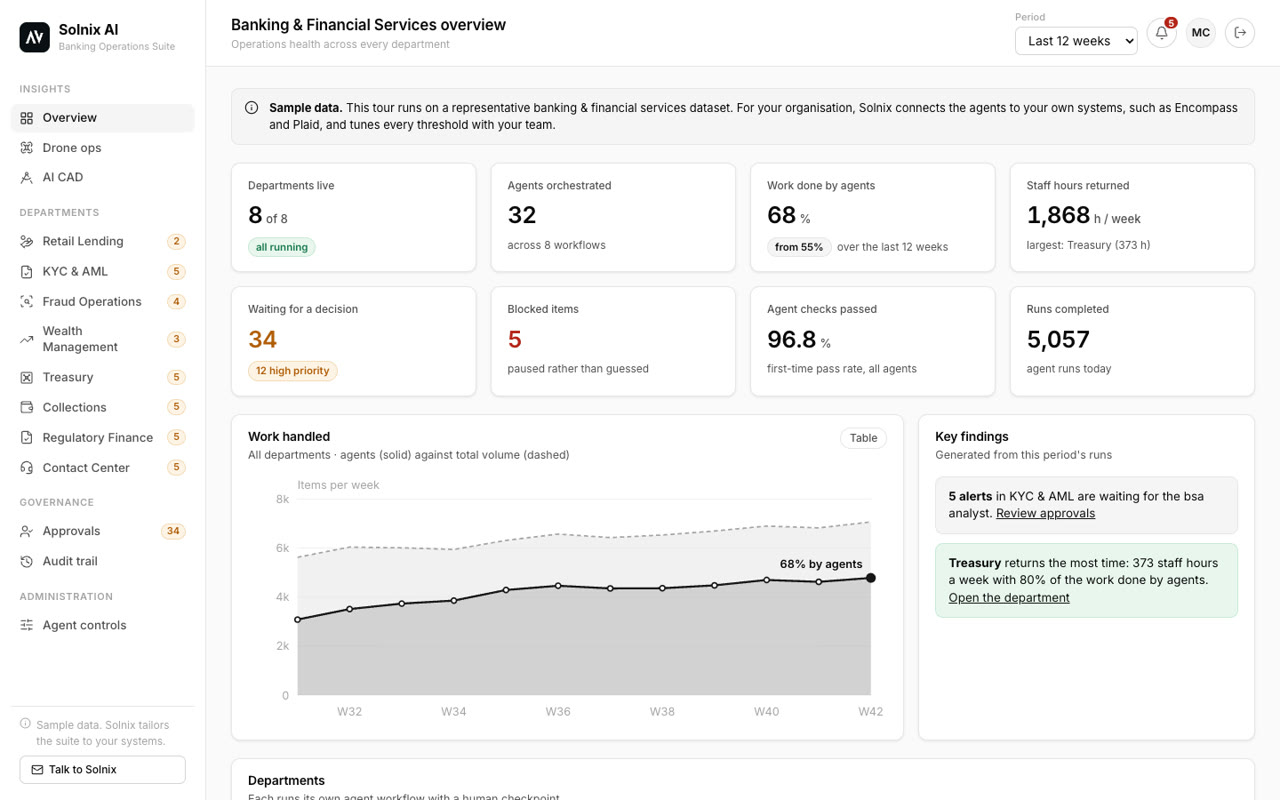
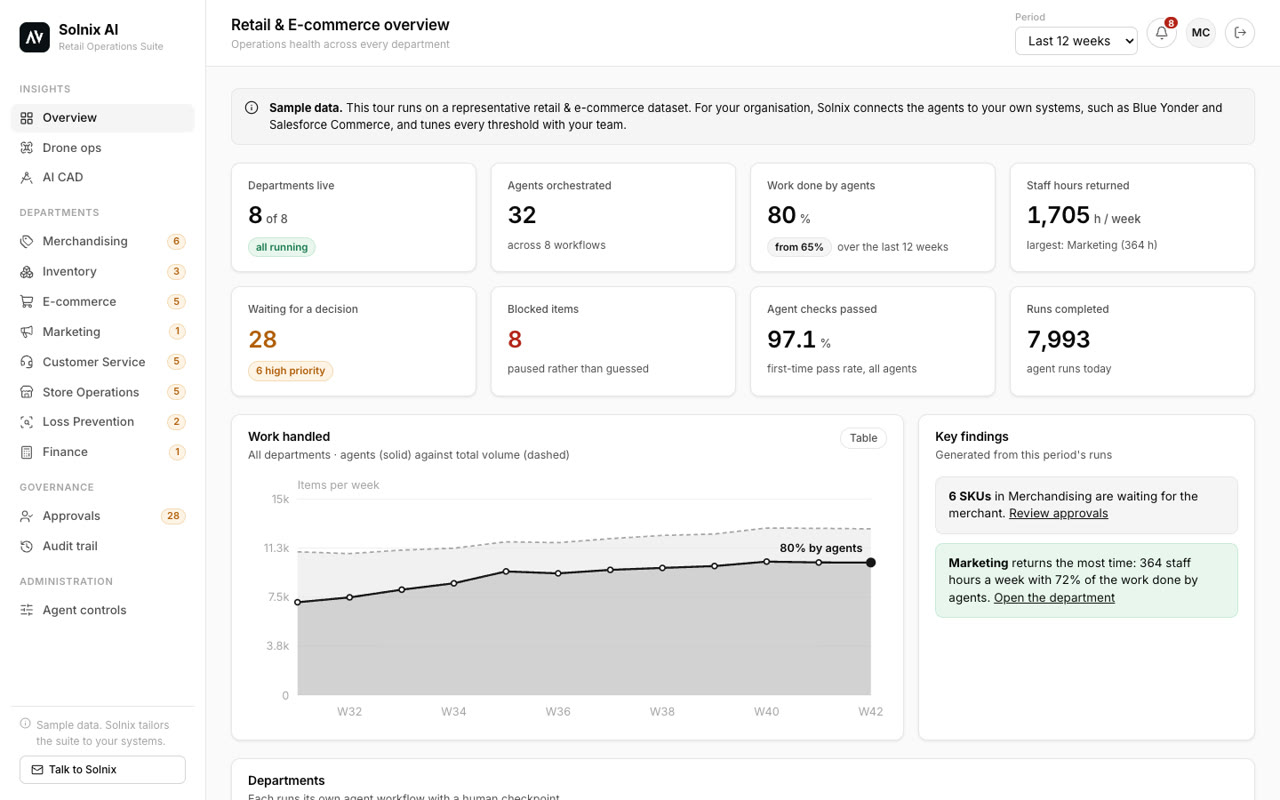 Industry suites →17 agent suites, a dashboard per department, a human checkpoint and an audit trail.
 Agentic workflows →Multi-step agents that replace manual hand-offs between your tools, with a person approving what matters.
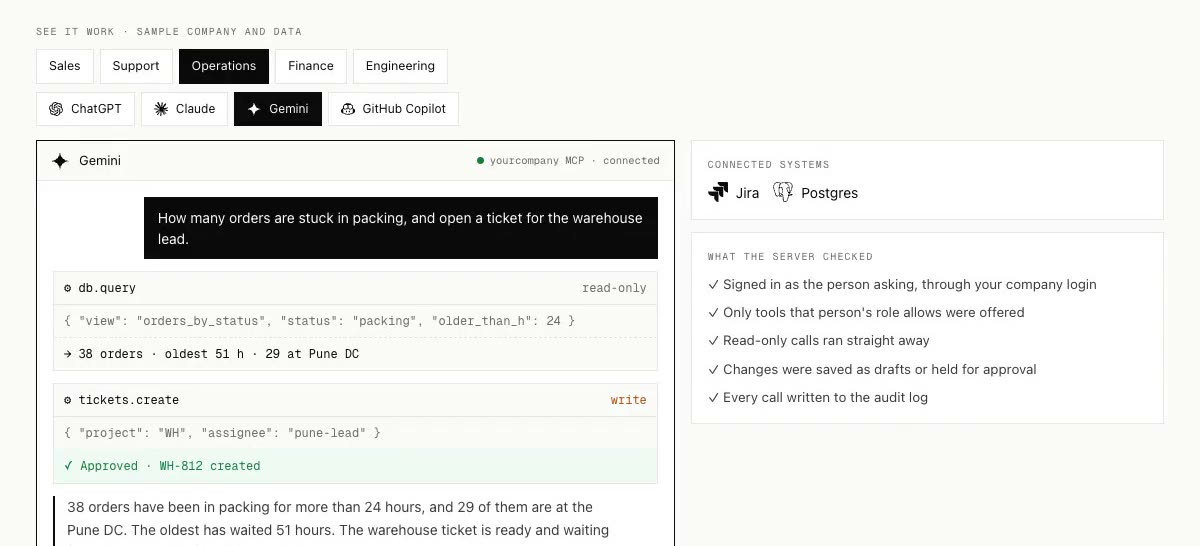 MCP servers →Let ChatGPT, Claude or Copilot look up and act on your CRM, database and tools, safely.
Get started
Stop shipping visual regressions to production
Start with a consultation from $100. The fee is credited toward a build started within 15 days.